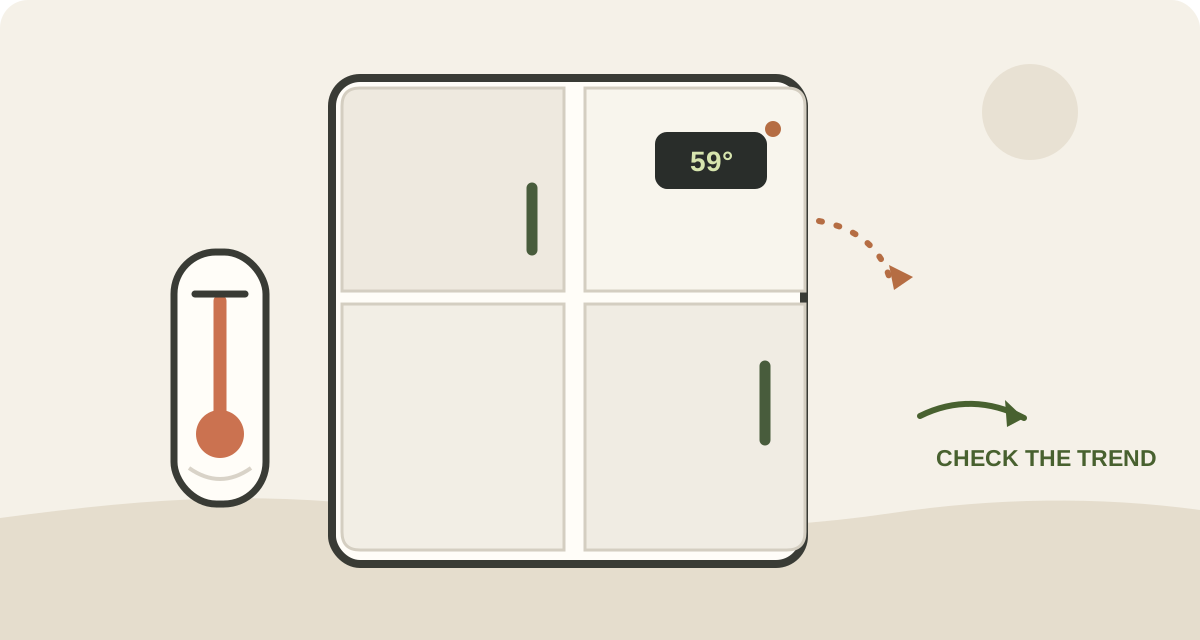
A blinking temperature display after a Samsung refrigerator door was left open can be a high-temperature alert, not proof that a part has failed. For the display behavior covered here, the temperature readout may blink when the compartment is above 59°F, then stop when the temperature falls. If the refrigerator is otherwise cooling, recovery can take up to 4 hours. The useful question is whether the display is showing a temperature warning, a separate error pattern, or a temperature that is not coming down.
First, identify what is blinking
Look at the panel before pressing buttons. A blinking temperature number is different from a letter-number code or a pattern of isolated display segments. A high-temperature warning says the compartment is too warm; it does not tell you why. A code or unusual segment pattern is a separate signal and may need model-specific interpretation.
Write down what the display shows, or take a photo. Do not try button combinations from a different refrigerator to make the blinking stop. Clearing a warning would not prove that the cabinet has cooled.
Close the door, then look for what kept it open
Close the door normally and check that a shelf, drawer, tall container, or package is not stopping it from sealing. Check the freezer door too if it was open. A door can look nearly shut while one edge is still held away from the gasket.
If the door does not sit evenly, or the gasket is visibly torn or pulled out, stop at that observation. The right adjustment depends on the model. Do not remove a hinge cover or take an interior panel apart to chase a door sensor.
If nobody remembers leaving the door open, consider whether power was interrupted recently. A temperature display can also blink while the refrigerator recovers after an outage; use the separate power-outage guide for that timeline.
Check the temperature trend, not just the setpoint
The set temperature is the target, not a live reading of every shelf. If you have an appliance thermometer, use it to check the refrigerator compartment and note the reading. Keep the door closed as much as possible, then check again later. A falling measured temperature is a different picture from a display that keeps blinking while the food compartment stays warm.
The 4-hour recovery window applies to a temperature warning after the compartment has become too warm, when the refrigerator is otherwise working correctly. It is not a guarantee that every warm refrigerator will recover, and it is not a reason to ignore a temperature that remains high.
There is another timing rule that is easy to mix up. After changing a temperature setting, some Samsung guidance allows up to 4 hours for the panel to show the selected setting and up to 28 hours for the refrigerator to reach it, with the doors kept closed. That setting-change window is not the same as the shorter recovery guidance after a door was left open.
Read the pattern before choosing the next step
| What you see | What it may mean | What it does not prove | What to do next |
|---|---|---|---|
| The temperature number blinks after a door was open | The compartment may be above the high-temperature threshold | Which component, if any, caused the warming | Close the door, check for an obstruction, and follow the measured temperature trend |
| The number stops blinking as the compartment cools | The high-temperature warning may have cleared | That every food item stayed at a safe temperature | Check food safety separately if the compartment was warm |
| A code or scattered display segments blink | A model-specific error indication may be present | That it is only a door-left-open warning | Record the display and check the exact model's support instructions |
| The display keeps blinking and the measured temperature is not falling | Cooling may not be recovering normally | A specific failed part | Use the model-specific cooling guide or contact service |
When to move beyond the door check
If the compartment stays warm, the temperature is not trending down, or the display changes to an error code, use the exact model number to find the correct support instructions. Do not assume the flashing readout identifies a fan, sensor, compressor, or control-board failure.
If food may have warmed, deal with that separately from the appliance. Use the food-safety section in the main refrigerator cooling guide rather than relying on the display or smell. For other refrigerator alerts, see what refrigerator beeps can mean.
FAQ
Why is my Samsung refrigerator temperature display blinking?
On the display behavior covered here, the temperature readout can blink when the compartment is above 59°F. It may happen after a door was left open, but the blinking alone does not identify the cause.
How long should I wait after closing the door?
If the refrigerator is otherwise cooling, the recovery guidance for this high-temperature warning allows up to 4 hours. Watch whether the measured temperature moves down. Do not use that window to dismiss a separate error code or a refrigerator that is not cooling.
Does a blinking display always mean a broken part?
No. A blinking temperature number can be a high-temperature warning. A numeric code or unusual segment pattern is a different indication and should be checked against the exact model.
Why does the guide mention 28 hours?
That longer window applies after changing the set temperature, and only under the stated closed-door conditions. It is not the door-open warning recovery time.
The short version
After a door has been left open, a blinking Samsung temperature readout can be the refrigerator flagging a warm compartment. Close the door, check that nothing is holding it open, and track the actual temperature. If the display shows a code or the temperature does not fall, move to the exact model's support path instead of guessing at a part.