The light is on, but the milk is warm. Start with the temperature, not the light. A refrigerator can have power while cooling is switched off, cold air is blocked, or one compartment is not getting enough airflow. The quickest way to narrow it down is to note the actual temperature, which compartment is warm, and what changed before the problem started. [1–3, 5–6]
Protect the food first. Put an appliance thermometer in the refrigerator. The FDA recommends keeping it at 40°F (4°C) or below; food can be unsafe even when it looks and smells normal. If the refrigerator cannot hold that temperature, move perishable food to another cold storage while you check the appliance. Read the food-safety check → [4]
1. Check the temperature before changing anything
The display setting is not the same as the temperature of the food. Use a refrigerator thermometer and write down the reading. Also check whether the freezer is cold, warm, or somewhere in between. That one detail separates several common situations.
If the reading is above 40°F (4°C), keep the food-safety step in place while you continue. If the reading is coming down after a recent change, give the appliance time to recover; if it stays high, continue with the checks below. [2][4]
2. The light works, but cooling may be switched off
An illuminated interior does not prove that the cooling system is running. The light has power, but it does not measure the compressor or the cold-air system.
Samsung's guidance for its RF25 series gives a specific example: Cooling Off mode can leave the lights and fan running while the compressors stay off. That mode is used for display or storage situations and would leave both compartments warm at home. This is a Samsung-specific example, so do not assume the same button sequence on another brand. Check your own model's manual for a cooling-off, demo, or vacation setting before trying to change controls. [6]
3. The freezer is cold, but the refrigerator section is warm
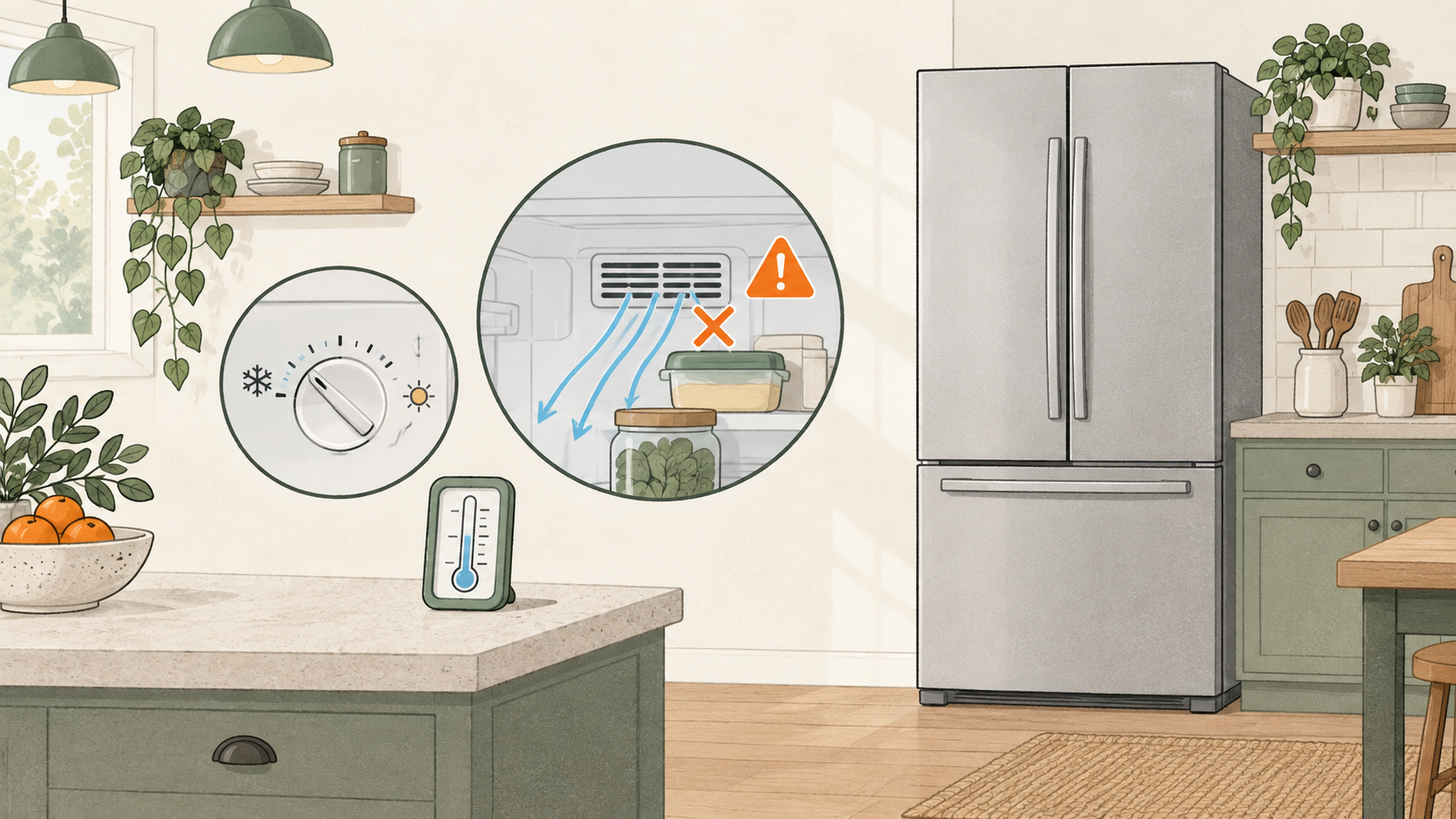
On some refrigerators, cold air travels from the freezer into the fresh-food section through vents. If a container or a tightly packed shelf covers a vent, the freezer can stay cold while the refrigerator shelves warm up. GE's airflow guidance and LG's support notes describe this shared-air arrangement. [3][5]
Open the refrigerator and look for packages pressed against the vents. Move the food away from the openings, then check the temperature again. This is an external check; do not remove a panel or reach into the fan area.
Not every refrigerator uses the same airflow design. A cold freezer is useful information to give support, but it does not prove that a fan or another part has failed. GE notes that refrigerator designs differ. [5]
4. Think about what changed just before it got warm
Did you load a large grocery haul, leave the doors open, lose power, or install the refrigerator recently? Those events can raise the temperature for a while. Whirlpool explains that a new installation may need up to 24 hours to cool completely, and that a large food load or an interruption can temporarily affect temperature. [2]
Write down when the warmth began and whether the thermometer is moving back toward a safe reading. Recovery time after a grocery trip is not a reason to leave food at an unsafe temperature, so keep the food-safety check running while you wait. [2][4]
5. Check the door and the visible seal
A door can look closed while a container, shelf, or drawer keeps it from sealing. Warm air then enters continuously. Condensation inside the compartment can appear along with poor cooling. LG's support guidance recommends checking for items that prevent closure and for a door seal that is dirty or damaged. [3]
Remove anything that is in the way and wipe the visible seal clean. Close the door and look for an even contact around the frame. If the seal is torn, distorted, or still does not close properly, record that for support rather than trying to reshape or replace hidden parts yourself. Whirlpool also lists door-seal and setting checks before service. [1]
6. A running sound does not tell you which part is bad
Some refrigerators run for long periods, and high-efficiency compressors can change speed. Hearing a hum—or not hearing one—does not identify the cause by itself. Temperature, compartment differences, recent changes, and visible airflow clues are more useful details to collect. [2]
If the settings, vents, food placement, and door closure do not explain the warm temperature, stop guessing at parts and arrange service. Repeated circuit-breaker trips or signs of damaged wiring are also reasons to stop using the appliance and contact a qualified professional. Whirlpool directs persistent cooling problems and internal concerns to service. [1]
What to tell support if the checks do not settle it
Give support a short, specific description:
- the thermometer reading and when you took it;
- whether the freezer is cold or warm;
- when the problem began;
- any recent power interruption, installation, or large grocery load;
- any display message, unusual sound, or visible door-seal problem.
That information is more useful than simply saying “the refrigerator is not working.” Keep your own checks to the controls, food placement, vents you can see, and the door seal described in your manual. Internal electrical and sealed cooling-system work belongs with a qualified technician. [1]
What about the food already inside?
The food question cannot wait for a perfect appliance diagnosis. Use the thermometer reading and the time-temperature guidance from the FDA. Do not use a smell test or a taste test to decide whether food is safe. If you cannot establish that perishable food stayed cold enough, follow the FDA's food-safety guidance for the situation, including its separate advice after a power outage. [4]
Frequently asked questions
Should I turn the refrigerator colder?
Check the setting against your model manual, then measure the actual temperature. A colder setting may be relevant if the control was changed, but it does not explain a blocked vent, a door that is not sealing, or a cooling system that is not operating. If the measured temperature stays high, keep working through the checks and arrange service when the manual's normal checks do not help. [1][4]
Why is the light on if the refrigerator is warm?
The light only shows that the light circuit has power. It does not prove that the compressor is cooling. Samsung's RF25 Cooling Off example shows why a model-specific setting can leave lights and a fan operating while cooling is off. Check your own manual before assuming the same setting exists on your refrigerator. [6]
Can I fix this without opening the refrigerator?
You can check the temperature, visible vents, food placement, controls, door closure, and visible seal when your manual allows those checks. Do not remove covers, work on wiring, or work on the sealed cooling system. If those basic checks do not explain the problem, use the manufacturer's support process. [1][3]
Sources and further reading
These sources support the appliance behavior and food-safety guidance used in this guide. Check your own model manual when controls or features differ.
- Whirlpool: why a refrigerator may not cool — settings, seals, possible internal faults and professional help.
- Whirlpool: refrigerator troubleshooting — food loads, interruptions, initial cooling and extended compressor operation.
- LG USA: refrigerator not cold enough — obstructed vents, door closure and condensation.
- FDA: safe food storage — temperatures, thermometers and food safety after power loss.
- GE Appliances: fresh-food and freezer airflow — shared-air and separate-air designs. The shared-air explanation does not apply to every refrigerator.
- Samsung USA: RF25 series Cooling Off mode — the specific example of lights and a fan operating without cooling. Follow your own model's instructions for controls.
Sources checked September 17, 2026. This article explains possible causes and basic owner checks; it does not identify a failed part in your appliance.