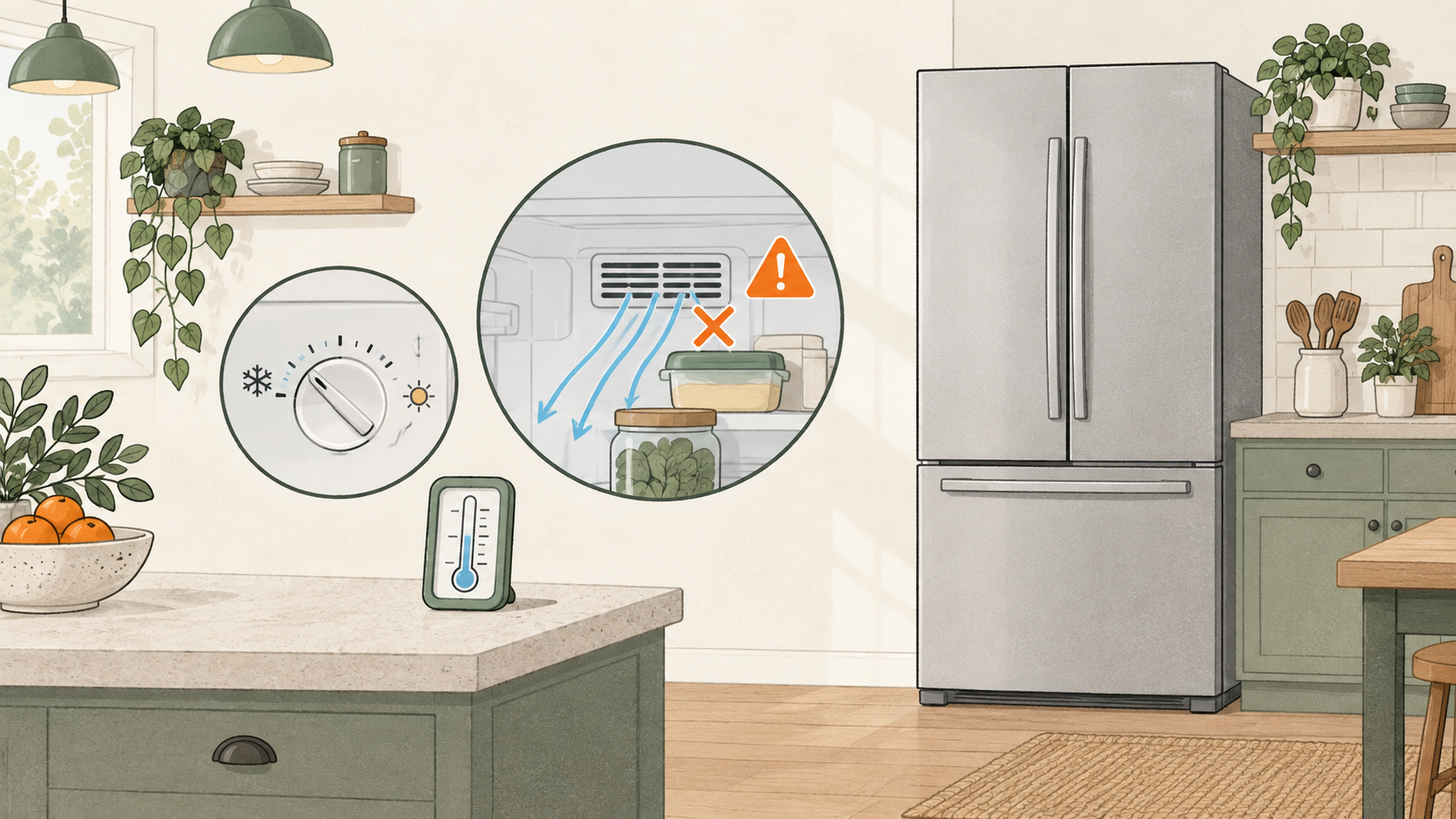
If an LG refrigerator display looks colder than the food feels, do not treat the display as a thermometer. For the LG display behavior covered here, the compartment display may read 5–10°F cooler than the actual temperature inside. Measure the compartment before deciding whether the appliance is cooling properly. This range is specific to that LG guidance; it is not a rule for every refrigerator.
What the display can tell you
The display gives you a clue about the refrigerator’s control reading. It does not tell you the temperature of every shelf or of the food itself. That distinction matters when the number looks reassuring but milk, leftovers or other items do not feel cold.
Use an appliance thermometer to check the compartment. If the thermometer reading is close to the display, the display difference may not explain the concern. If it is warmer, use the thermometer reading to decide what to do next; do not assume the display proves the food stayed cold.
Check the simple things that can change the reading
Before changing a setting, check whether the door is closing completely. Look for a container or drawer stopping it, and see whether food is pressed against a visible air vent. A crowded compartment can interfere with cold-air movement, and a door left slightly open lets warmer room air enter.
Move only the items that are visibly blocking a vent or keeping the door from closing. Keep this check inside the normal user-accessible area. Do not remove an interior panel or reach toward a fan.
Decide whether this is a display difference or a cooling problem
Compare the thermometer readings from the refrigerator and freezer, then check them again after the doors have stayed closed. If the readings are stable and the food compartment is holding temperature, the display difference may be the issue you were noticing.
If the actual compartment remains warm, one display reading does not settle the cooling question. Follow the general refrigerator-not-cooling guide for the next owner checks. It covers food safety, vents, door closure and what to record before contacting support.
Do not copy a temperature adjustment sequence from another brand or model. If you need to change a control, use the instructions for your exact LG refrigerator and give it the recovery time stated there. Repeatedly lowering the setting without checking the actual temperature can obscure what changed.
A quick comparison
| What you observe | What it may mean | What it cannot prove | Next step |
|---|---|---|---|
| Display is 5–10°F below the measured compartment temperature | This can match the LG display behavior covered in this article | That every brand or model has the same display behavior | Compare the actual reading with the manual and keep the model scope in mind |
| Display looks normal but food feels warm | The display may not reflect the temperature at the food | That the food is safe or that a part has failed | Measure the compartment with an appliance thermometer |
| One section is warm while the other is colder | Air movement, door closure or a compartment-specific issue may need checking | Which internal part is responsible | Check visible vents and doors, then use the general cooling guide |
| Both sections remain warmer than expected | This is more than a display question | The cause of the cooling problem | Protect perishable food and contact support if owner checks do not resolve it |
When to contact support
Use LG support or the model manual if the thermometer keeps showing a warm compartment, the display shows a warning, or the owner checks do not explain the difference. Have both compartment readings and the display value ready. Do not open the appliance or test electrical parts to reconcile two temperature readings.
If food may have been above a safe temperature, follow the food-safety steps in the main cooling guide. A display number alone is not a food-safety check.
FAQ
Is a 5–10°F difference normal on every refrigerator?
No. This page is limited to the LG display behavior described above. Other brands and models may handle temperature display differently; check the manual for your exact refrigerator.
Should I make the display colder if food feels warm?
Measure the compartment first and check that the door closes and visible vents are clear. If an adjustment is needed, use the exact model’s instructions rather than guessing from the display.
Does a normal display mean my LG refrigerator is cooling?
Not by itself. If the food compartment feels warm, use an appliance thermometer and treat that reading separately from the display.
What if the thermometer still reads warm?
Follow the broader cooling checks and food-safety guidance. If the temperature does not recover after the steps allowed by your manual, contact LG support.